Access IU & Ask IU: Improving Student Access to Campus Resources
Role: UX Designer
Team: Capstone Team + University Stakeholders
Overview
Access IU began with a common student frustration: finding reliable answers to everyday campus questions was harder than it should have been. Information was scattered across multiple systems, and students often didn’t know where to start.
Our goal was to create a centralized experience that made campus resources easier to navigate.
Research
We conducted interviews with students to understand where breakdowns occurred. Many described wasting time searching through outdated pages or receiving inconsistent information.
Key patterns emerged:
Students didn’t know where to begin
Search results were inconsistent
There was no single source of truth
Current digital resources, such as the campus transit app “Jagline”, were deemed confusing and visually outdated
My Contribution
I focused on research synthesis, user flows, and interface design. I helped translate interview insights into concrete design changes and worked on shaping the overall experience.
Strategic Approach
User Discovery: Led interviews with undergraduate and graduate students to map friction points in the existing app’s navigation.
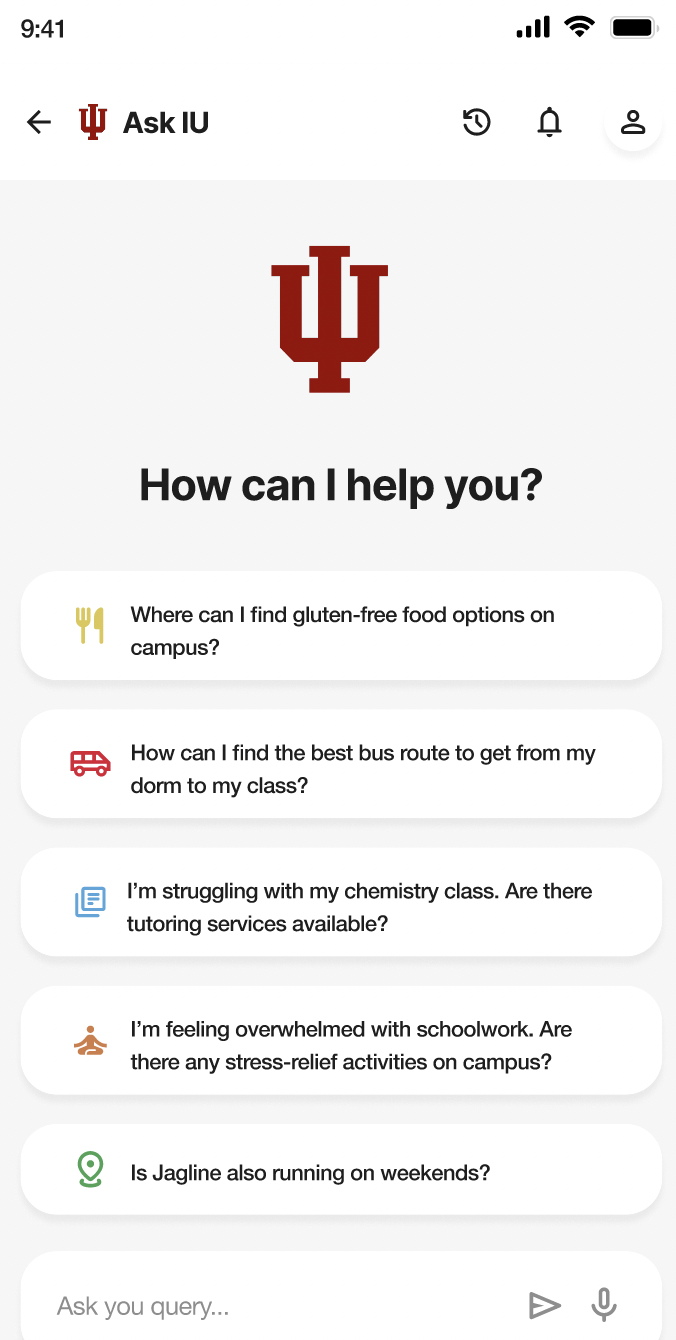
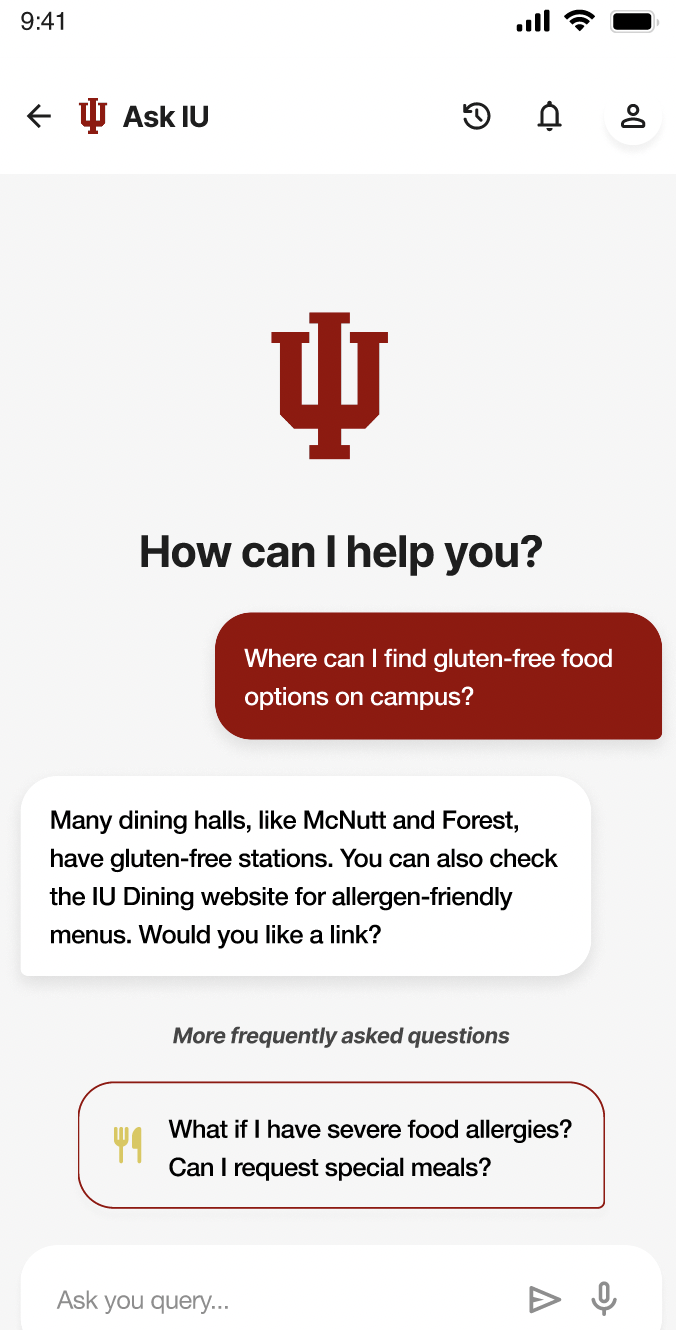
Competitive AI Analysis: Performed a deep-dive into ChatGPT, Google Gemini, and other existing college chatbots (i.e., Purdue’s GenAI Sutdio) UX patterns to design "Ask IU"—a custom AI chatbot for instantaneous, localized campus support.
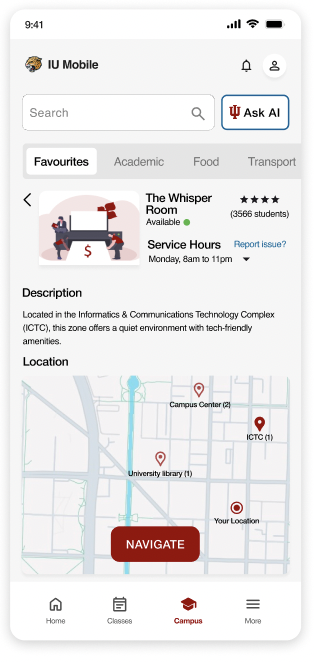
Cross-Functional Collaboration: Partnered with UITS (IT Department) to ensure technical feasibility and external map integration.
The Solution: "Access IU"
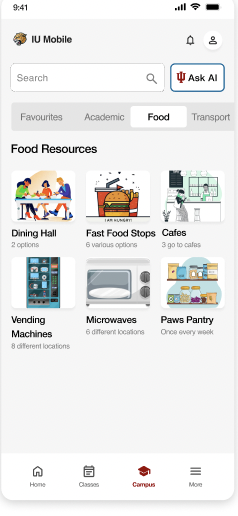
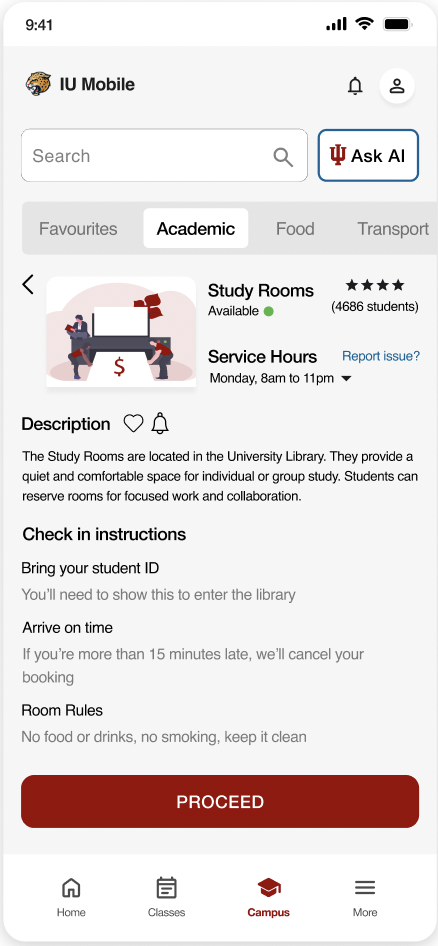
Information Architecture: Reorganized disorganized layouts into intuitive categories (Dining, Parking, Mental Health, Academics, etc.).
AI Integration: Developed high-fidelity Figma prototypes for a voice-enabled, campus-branded AI assistant.
Updated Interface: Modernized the “Jagline” transit experience by redesigning a confusing legacy interface and integrating it into the Ask IU app, resulting in a cohesive and intuitive user journey that eliminated the need for third-party app-switching
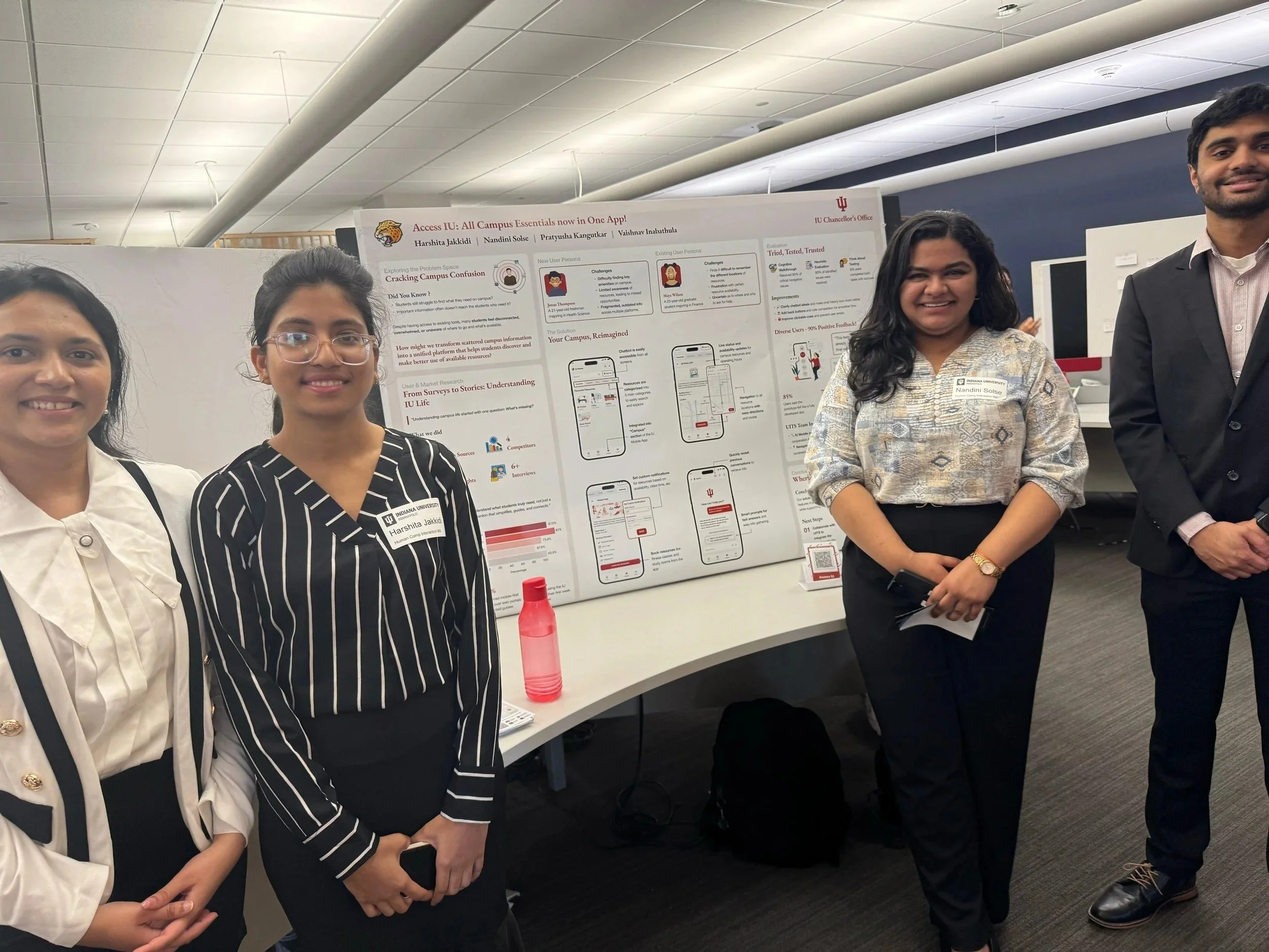
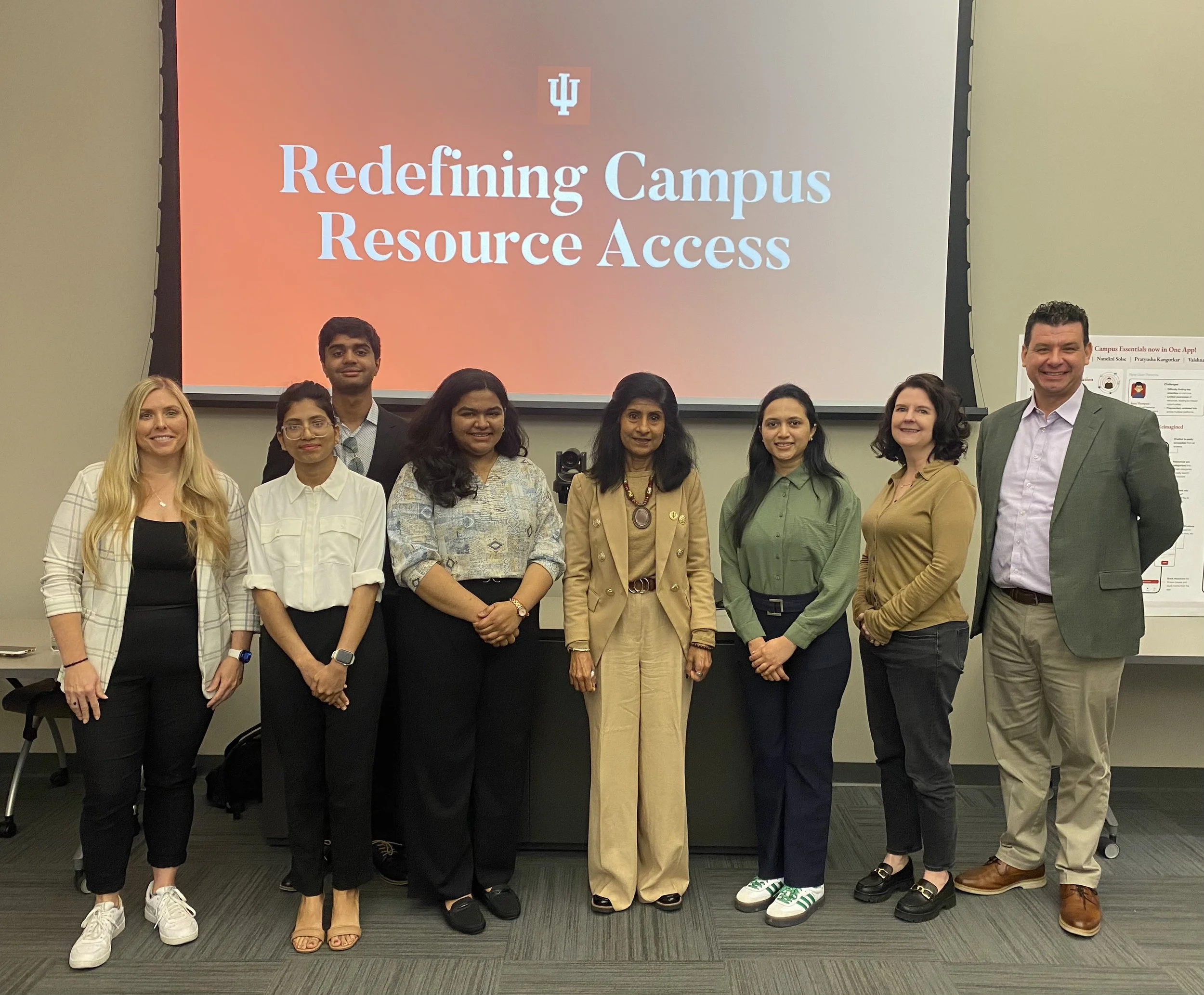
Institutional Approval: Successfully pitched the design to the University Board, gaining approval for the clean, simplified layout and branding integration.
Feedback & Iteration (Final Usability Testing)
During the final round of usability testing with students:
Navigation was clear: 10/12 participants could find the resources they needed without assistance.
Chatbot helpfulness: Students said the step-by-step guidance “felt natural” and reduced the guesswork when searching for campus information.
Flow clarity: Participants noted that the logical sequence of tasks (search → guidance → completion) minimized confusion.
Jagline Integration and Interface: Additionally reported that the optimized UI and consolidated Ask IU interface made the Jagline feature far more intuitive, allowing them to manage campus life and transit schedules from a single, high-efficiency hub.
Minor friction: A few users suggested slightly larger buttons for mobile interactions, which we noted for future iterations.
Outcome
Students and the University Board responded positively to the prototype, especially its clarity and simplicity. In testing, students were able to complete common tasks faster and with less confusion than before.
Reflection
This project reinforced the importance of looking beyond the surface problem. What initially seemed like a search issue turned out to be a larger information architecture problem.
It also taught me how to work with real stakeholders and communicate design decisions to non-design audiences, which was just as important as the interface itself.
Click here to access the Access IU prototype:
Click here to access the presentation for further details: